In this guide
A benefits comparison works best when it starts with eligibility and timing, rather than the most attractive feature in a plan summary. Civic Work Fieldguide is independent of the City and insurers; it does not recommend a plan or receive enrollment information.
The City’s public benefits page directs benefits-eligible readers to plan comparisons, rates, plan summaries and provider-search tools. Its non-Medicare comparison materials are labeled for July 1, 2026 through July 1, 2027. Those dated resources are a better starting point than an undated search snippet.
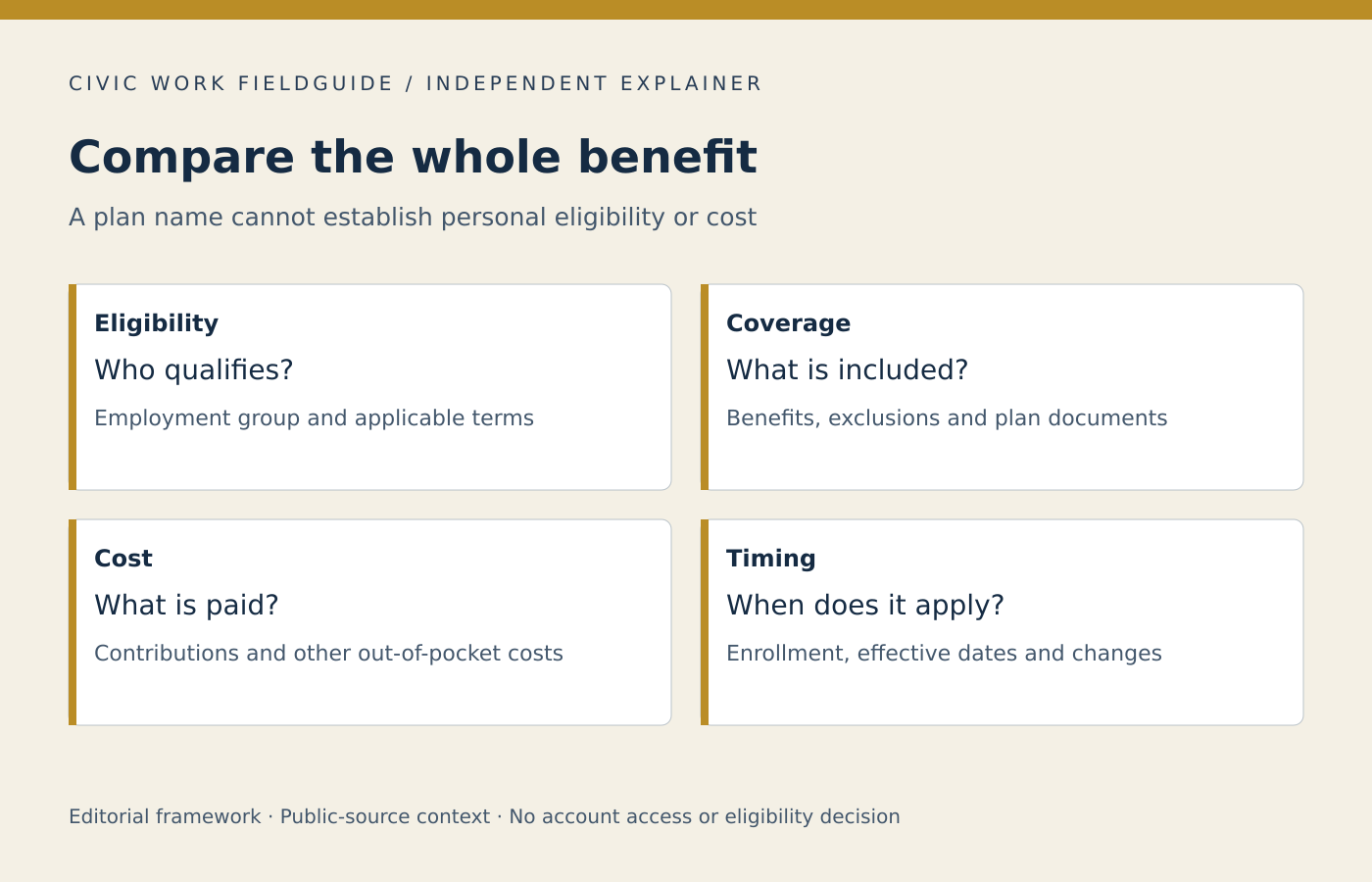
Four columns for a real comparison
- Eligibility
- Which employee and household category is being considered? What confirmation is still needed?
- Coverage
- Which benefits and service arrangements matter to the decision? What does the applicable plan document actually say?
- Cost
- Which amounts are regular premiums, and which depend on use or circumstances? Keep their units separate.
- Timing
- When can a choice be made, when does it take effect and which period do the quoted documents cover?
A hypothetical trade-off
Two fictional plans appear similar when only the payroll deduction is compared. One reader then discovers that the provider arrangement they care about needs closer review. The useful next action is to consult the applicable network and coverage materials, not to infer that a lower premium is always better or that a familiar insurer automatically includes a particular provider.
Keep personal medical details in appropriate channels. A private checklist can say “confirm the relevant service and provider arrangement” without distributing a diagnosis to a general workplace inbox. Ask the plan or benefits office which secure route it uses when detailed information is genuinely necessary.
Record unknowns instead of guessing
Use “not yet confirmed” in any incomplete cell. A blank cell is easy to overlook; an explicit unknown becomes a focused question. If two documents appear inconsistent, record both titles and dates and ask which governs. Do not silently average conflicting rates or choose the version that produces the most favorable result.
Finish with a confirmation step
After following the official enrollment process, check the expected confirmation and effective date. Reading a plan summary or selecting a comparison option on this site does not enroll anyone. Any personal eligibility or coverage decision remains with the responsible program.
Continue with matching benefits documents to dates, asking a focused HR question.