In this guide
Civic Work Fieldguide is an independent publication, not a City of Boston service. We do not sign you in, reset accounts or receive employee records. Access Boston is the City workforce gateway discussed here; this article helps you identify the right kind of resource before leaving for an official destination.
The City’s public Access Boston help identifies a common account route for workforce applications. The Human Resources page separately describes Beacon as its HR service center. An account gateway and an HR service can be connected without doing the same job. That distinction matters when a search for “access boston” actually means “where do I ask about leave?”
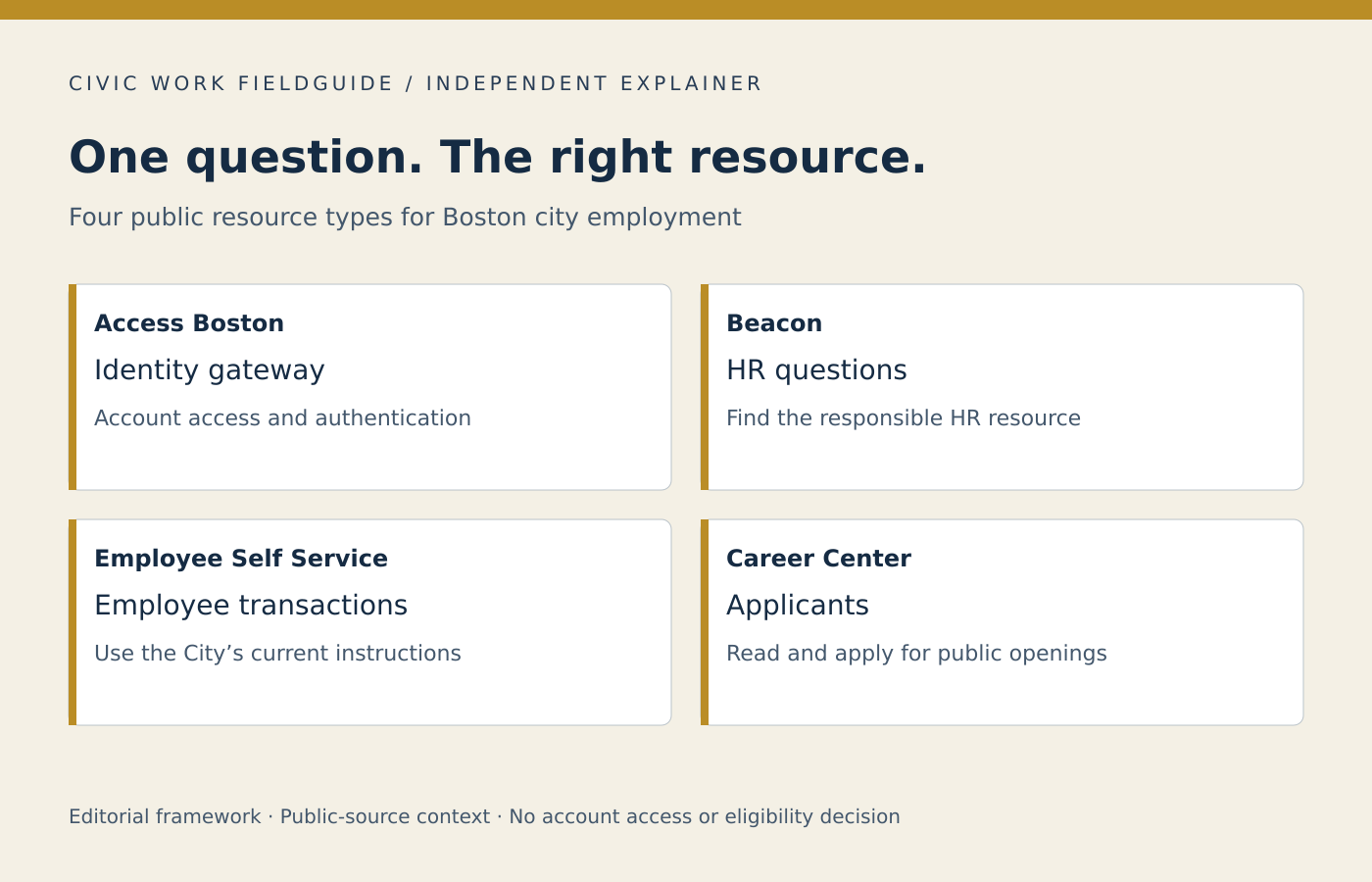
Start with the outcome, not a familiar icon
- Reach an assigned workforce application: start from the City’s official Access Boston help or your verified employment instructions.
- Understand an HR policy or raise an HR question: use the Beacon information on the official Human Resources page.
- Complete a payroll or personal-record transaction: determine which employee self-service function and approval route applies.
- Apply for a job: use the Career Center. An application is a different relationship from an active employee account.
A worked distinction
Imagine that a new employee can reach the gateway but cannot find the answer to a benefits question. “My login is broken” may describe the wrong issue. The employee might instead need the applicable benefits material or a response from HR. Conversely, someone unable to reach any assigned application needs the official technical route rather than a benefits comparison article. Describe what you were trying to achieve and where progress stopped without sending a password, one-time code or unredacted screenshot.
Compare resource roles locally
The comparison below uses fixed public-source descriptions. Selecting a resource does not open an account or send a support request. You can read every entry without JavaScript.
Compare City resource roles
Compare up to three resource roles using public-source descriptions. Each answers a different kind of question. This independent tool does not reproduce private screens or submit requests.
Read every resource without the comparison
Access Boston
- The resource question
- Which official workforce application are you trying to reach?
- What to prepare
- The application name and non-sensitive description of the obstacle.
- Resource to verify
- Official Access Boston help and employer-provided instructions.
- Important boundary
- Account access does not establish an HR decision or permission for every task.
- Sources checked
- September 30, 2026
- Public sources
Beacon HR
- The resource question
- Which workplace policy or process needs an explanation?
- What to prepare
- The precise question, relevant source date and real decision deadline.
- Resource to verify
- The City Human Resources and Beacon service information.
- Important boundary
- An HR inquiry is not automatically a completed transaction or formal report.
- Sources checked
- September 30, 2026
- Public sources
Employee Self-Service
- The resource question
- Are you viewing a record, requesting a change or confirming completion?
- What to prepare
- The transaction type and expected effective period; keep private values out of general messages.
- Resource to verify
- The employer’s current self-service and payroll instructions.
- Important boundary
- A visible record or submitted request does not prove approval or completed processing.
- Sources checked
- September 30, 2026
- Public sources
Career Center
- The resource question
- Which employing organization and vacancy are you applying to?
- What to prepare
- The title, posting identifier, current requirements and application instructions.
- Resource to verify
- The official Career Center and the linked hiring organization.
- Important boundary
- An application does not establish an employee relationship or workforce account.
- Sources checked
- September 30, 2026
- Public sources
City Academy
- The resource question
- What training outcome and later hiring step are involved?
- What to prepare
- The particular cohort, schedule and eligibility question.
- Resource to verify
- City Academy’s official program information.
- Important boundary
- Training, certification and employment selection remain different steps.
- Sources checked
- September 30, 2026
- Public sources
Selections stay on this page. This tool does not send or save them. No employee identifiers, credentials or private records are requested.
Use a verifiable departure point
Follow the named official source below or navigate independently to Boston.gov. A search advertisement, logo or familiar color does not establish government ownership. If your task involves credentials or private records, enter them only in the City’s verified process. This publication never needs them. Keep technical assistance, HR interpretation and transaction completion as three separate questions until the responsible service confirms the result.
Continue with preparing an HR question, finding the appropriate job route.